


Indico Recorder
Davidhorn’s software-only interview recorder. Install Indico on any Windows PC or laptop to turn the cameras and microphones you already use into a secure, compliant recording solution.
Runs on

Record From Almost Any Video or Audio Device
Because it’s not tied to dedicated hardware, it works with almost any camera, microphone or audio interface you have.
Capture multiple video and audio inputs in a single recording, or record on-screen remote proceedings. Every recording is digitally fingerprinted, so it’s secure, verifiable and ready for court.
Flexible capture input options:
- Works with nearly any camera, microphone or audio interface
- Capture multiple video and audio inputs in a single recording
- Record video directly from the Windows device screen
Wherever the interview takes place

Field Interviews
Take compliant software-only interview recording wherever it needs to happen. Install Indico on a Windows laptop, connect your portable recording equipment, and record securely on location.
Courtroom Recording
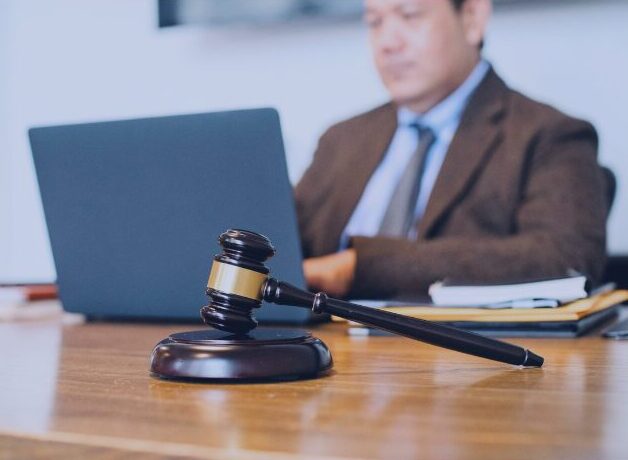
Capture every angle and every voice. Record multiple cameras and microphones at once, so judges, counsel, witnesses and defendants are all clearly seen and heard in one secure recording.
Interview Rooms
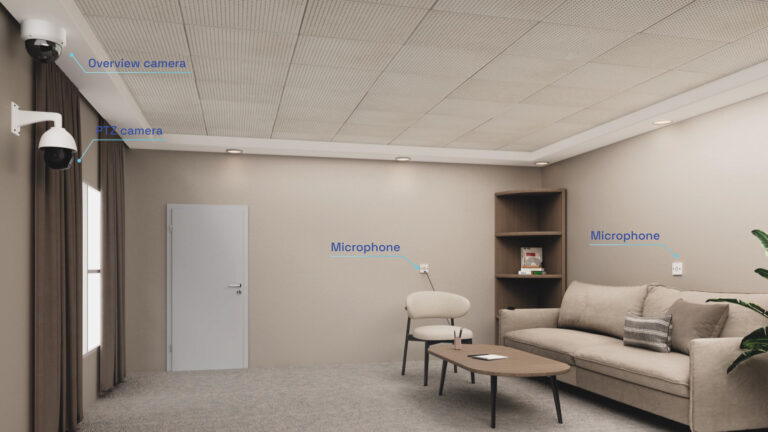
Keep the equipment you already have and add new inputs as your needs grow. Indico works with your existing room cameras and microphones, so upgrading to compliant, digitally fingerprinted recording doesn’t mean refitting the room.

Make interview recording simple
Ease of Use is Built In
Deployed to record in a single room or at scale across locations, Indico is a flexible and easy to use desktop interview recorder. Start, exit, and bookmark controls make it easy to manage recordings in real time.

Livestream to Ark Interview Management
Observe Interviews Live
Enable remote observation using Davidhorn Ark Interview Management. Stream from Indico Recorder so a remote observer can follow along with the interview as it takes place.

Build on Existing Equipment
Use the Hardware you Already Have
Indico runs on any* machine with Windows and accepts video and audio from your existing fleet of cameras and microphones. You get compliant, secure recordings without buying specialised hardware.
Like all Davidhorn recorders, it’s PACE-compliant and uploads the digitally fingerprinted file automatically to Ark Interview Management.
* Subject to minimum hardware requirements.
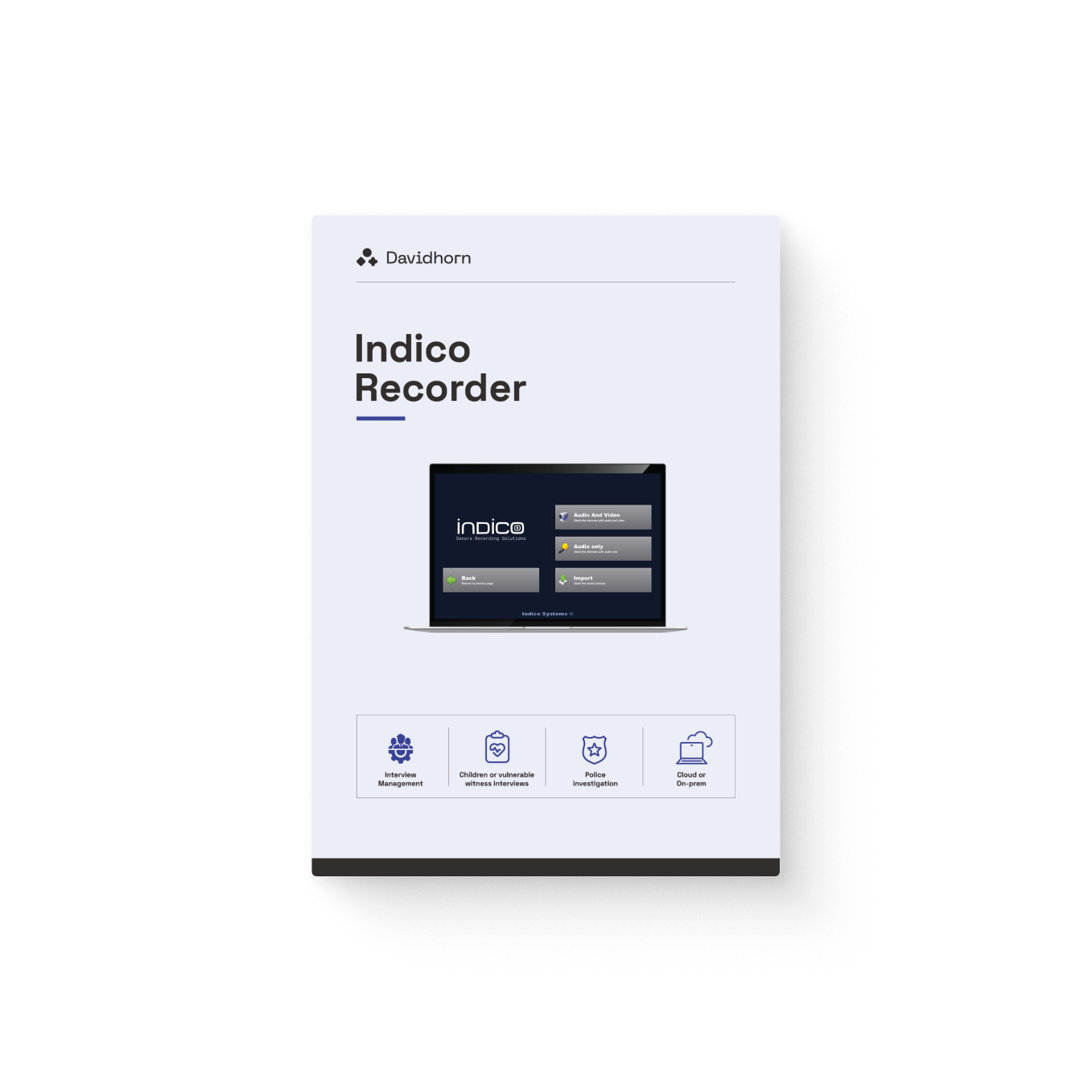
Download the Indico Recorder datasheet
Explore detailed specifications and features of this Davidhorn Recorder.
"*" indicates required fields
You might also like
-

Capture
Mobile app recorder for capturing evidence on the go.
-

Portable Recorder
Lightweight, PACE-compliant interview recorder for any setting.
-

Fixed Recorder
Fixed HD recorder for high security interview rooms.
-

Mini Recorder
The world´s smallest PACE compliant interview recorder.
-

Ark Interview Management
Receive, monitor, and keep evidence throughout its lifetime.